

EventsSmart logic
Event RSVP
Know who's coming, how many, and any dietary needs.
5 questions · about 1 min
See the template
Themes, type, and colour
Your form looks finished from your very first question. Want it to feel more like your business? Pick a theme and make it yours.
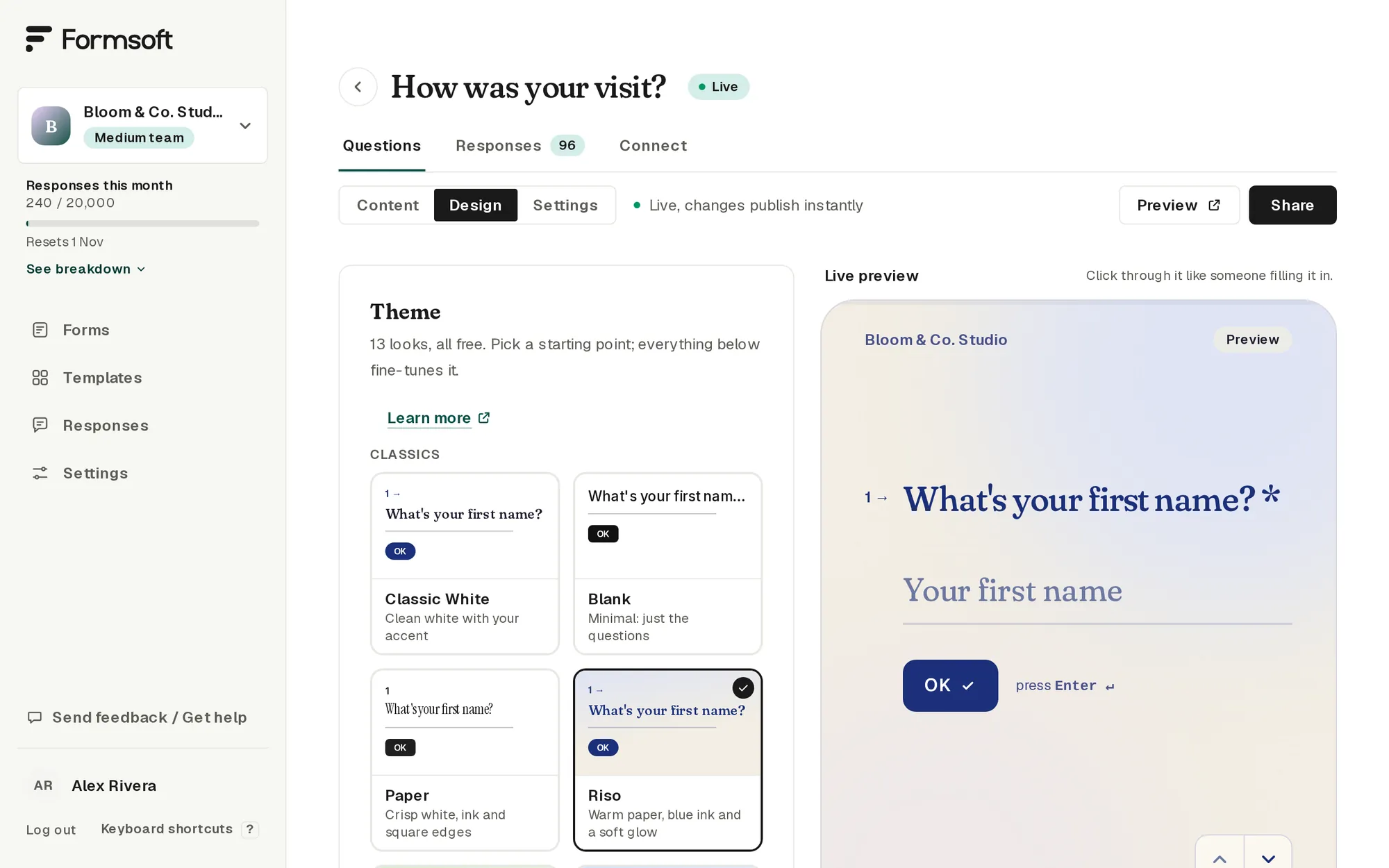
Your questions are set in a warm, readable typeface, with five font styles to choose from.
Calm backgrounds and a gentle accent colour. Change any of them, and Formsoft lets you know if text would be hard to read.
Add your logo on any plan, Free included. Paid plans also take the small “Made with Formsoft” badge off.
Make a form and add your questions.
It already looks good. Pick a theme on the Design tab if you'd like a different feel. Advanced customizations lets you fine-tune colours, type and corners, or edit the same styles as CSS on a paid plan.
Share it. It looks right on phones, tablets and laptops.
EventsSmart logic
Know who's coming, how many, and any dietary needs.
5 questions · about 1 min
See the template
Events
Sign people up for a class, workshop or session.
5 questions · about 1 min
See the template
Leads & enquiries
A way for people to get in touch.
3 questions · about 1 min
See the template
Not at all. Every theme looks good as it is, and the live preview shows each change as you make it.
On Free, there's a small one at the bottom. Every paid plan removes it. Your own logo works on every plan.