

EventsSmart logic
Event RSVP
Know who's coming, how many, and any dietary needs.
5 questions · about 1 min
See the template
Big type, easy taps
That's where most people will answer, so every form starts there: big buttons, text you can read without zooming, and nothing that scrolls sideways.
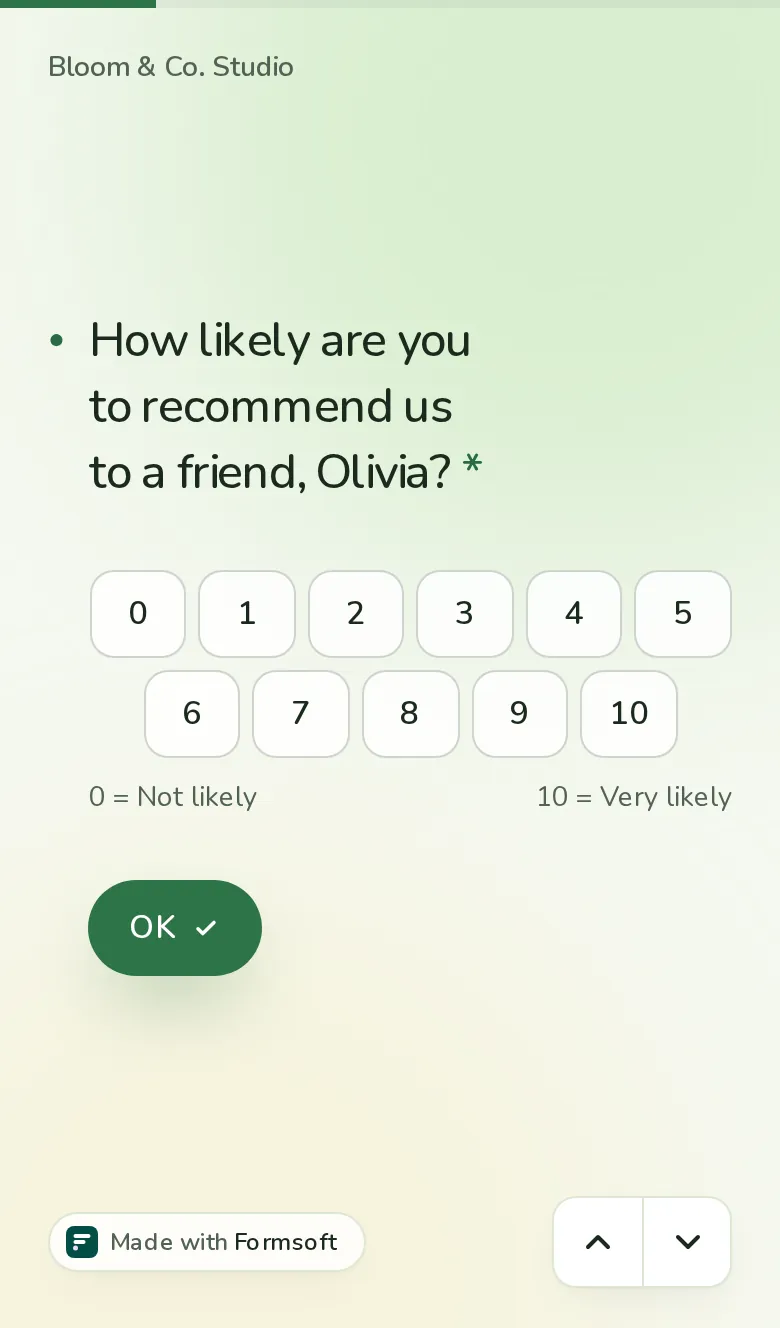
Choices are big and spaced out, so people tap the one they meant.
Text stays a readable size on a small screen.
The same form works just as well on tablets and desktops, so you only ever build one.
Build your form on whatever device you like.
Share your link.
People answer wherever they are, usually on their phone.
EventsSmart logic
Know who's coming, how many, and any dietary needs.
5 questions · about 1 min
See the template
Feedback
Hear what people loved and what to improve.
6 questions · about 1 min
See the template
Leads & enquiries
Collect interest before you launch.
4 questions · about 1 min
See the template
No. It's one form, and it fits whatever screen it's opened on.
Yes. Everyone gets the same friendly form, whatever screen they're on.