

Leads & enquiries
Client intake
Understand a new client's project before the first call.
8 questions · about 2 min
See the template
One question at a time
A long page of empty boxes makes people close the tab. Formsoft gently walks them through your questions one step at a time, with big text and room to breathe.
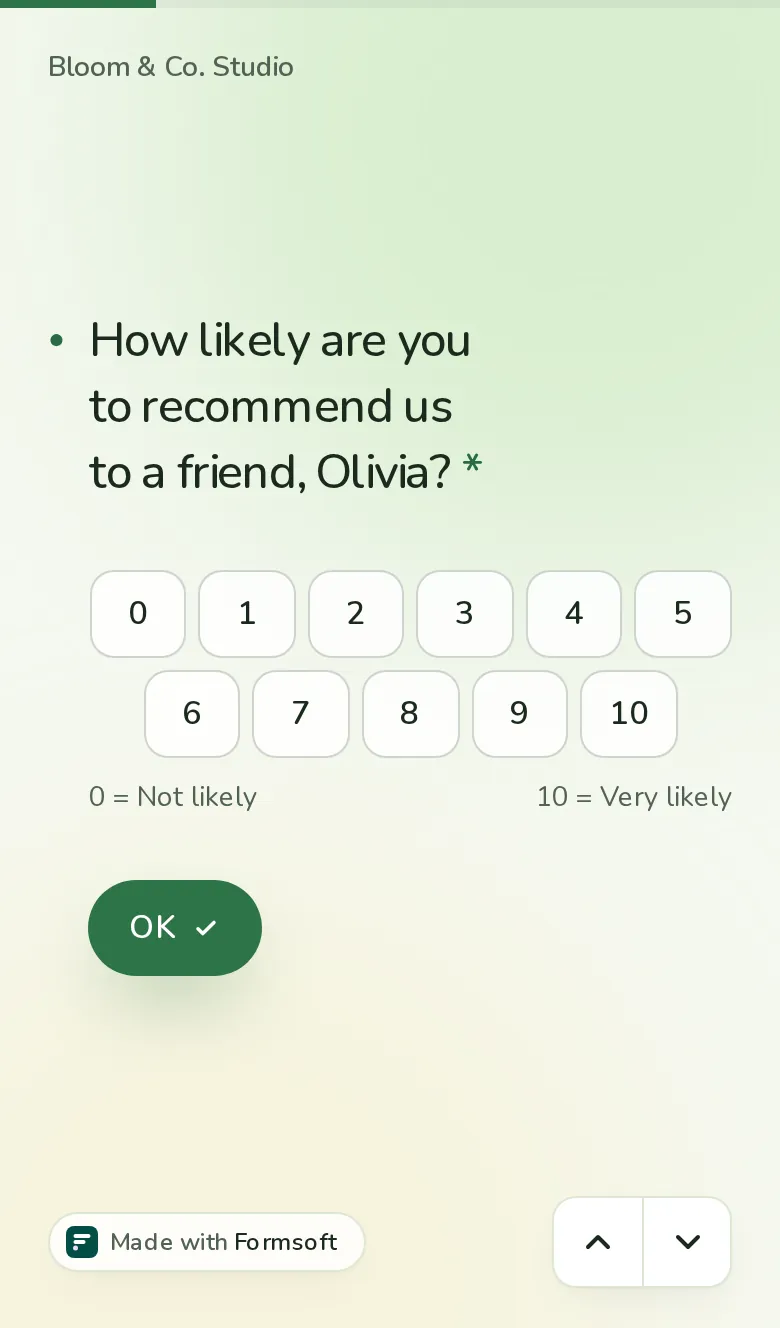
Your questions are easy to read without squinting, even on a small phone.
People see one question per step, so a 10-question form never feels like homework.
Nothing's crammed together, so it's always clear what you're asking.
Add your questions in the order you'd ask them.
Formsoft lays them out in short, tidy steps.
Share your link and let people take their time.
Leads & enquiries
Understand a new client's project before the first call.
8 questions · about 2 min
See the template
Feedback
Hear what people loved and what to improve.
6 questions · about 1 min
See the template
Bookings
Gather the details you need before confirming a booking.
6 questions · about 1 min
See the template
Steps help a lot. Shorter is still kinder, though: if you can cut a question, cut it.
All of them, including short and long text, email, phone, number, website, date, multiple choice, checkboxes, dropdown, ranking, matrix, yes/no, rating, opinion scale (including NPS), signature, booking, statement, consent and file upload. File upload is on paid plans. You'll find every type on the features page.