

EventsSmart logic
Event RSVP
Know who's coming, how many, and any dietary needs.
5 questions · about 1 min
See the template
Front desk and events
Sign-ups at a market stall, check-ins at reception, feedback by the door. Kiosk mode turns any form into a station people can walk up to.
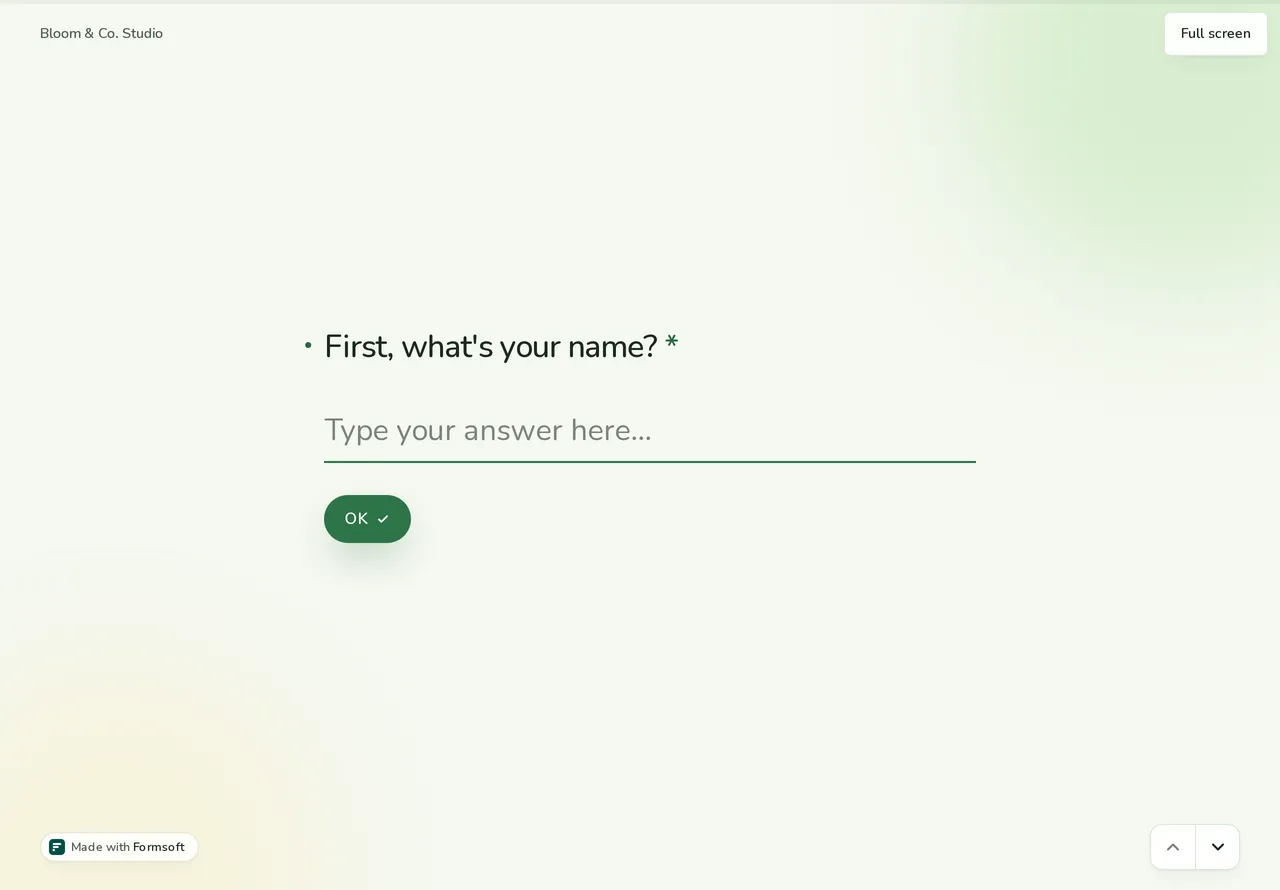
After each response a short thank-you counts down, then the form starts fresh. If someone walks off halfway, it asks "Still there?" and clears itself.
If the connection drops, answers are saved on the tablet and sent as soon as it's back. Nobody has to fill anything in twice.
Full screen with one tap, no links out of the form, no redirects and nothing left behind in the browser for the next person to see.
Open a form's Settings, then Sharing, and turn on Kiosk mode.
Choose how long the thank-you shows and when an idle form clears itself.
Open the kiosk link on your tablet and tap Full screen.
EventsSmart logic
Know who's coming, how many, and any dietary needs.
5 questions · about 1 min
See the template
FeedbackSmart logic
Ask attendees how it went while it's fresh.
6 questions · about 2 min
See the template
EventsSmart logic
Recruit volunteers and match them to shifts.
6 questions · about 1 min
See the template
Every plan, including Free.
They stay on that device and send automatically when it's back online. A small note at the top shows how many are waiting.
Yes. Kiosk mode only applies to the kiosk link, so you can share the form as usual at the same time.