

EventsSmart logic
Event RSVP
Know who's coming, how many, and any dietary needs.
5 questions · about 1 min
See the template
Different people, different questions
Nobody likes answering questions that aren't for them. Add a simple rule and Formsoft skips ahead, greets people by name and sends them to the ending that fits.
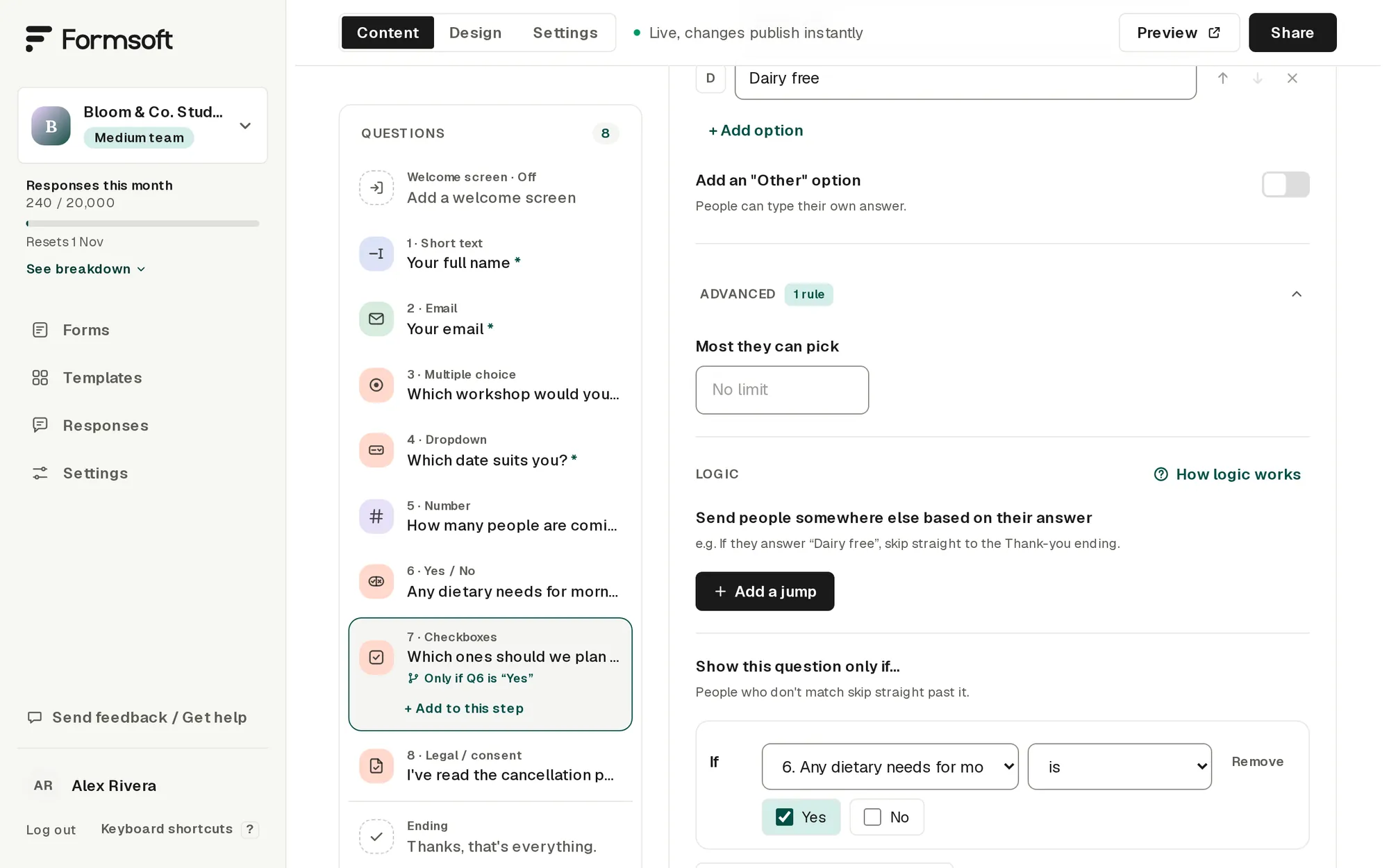
Show a question when earlier answers match. Mix conditions with 'all of these' or 'any of these'.
Send people straight to a later question or to an ending. Jumps only go forward, so a form can never loop.
Give each outcome its own ending, greet people by name (“Thanks, Sam”) and pass details like where they came from through the link.
Pick a question and open Logic.
Choose when to show it, or where to go next.
Preview it and try a few different answers.
EventsSmart logic
Know who's coming, how many, and any dietary needs.
5 questions · about 1 min
See the template
Leads & enquiries
Understand a new client's project before the first call.
8 questions · about 2 min
See the template
Bookings
Gather the details you need before confirming a booking.
6 questions · about 1 min
See the template
Every plan, including Free.
No. A question someone never sees can't hold them up, even if it's required. Any answer to it is left out of the response.
Yes. Open “Use this answer later” on a question and give it a reference name, like first_name, then add ?first_name=Sam to the link.